If you run Docker hosts long enough, you eventually hit the same operational problem: the thing you need to check is simple, but you are not at your laptop.
A container restarts during dinner. A deployment starts failing while you are away from your desk. A service is slow and you only need the first few answers: is the host reachable, which containers are running, what do the logs say, and can one stuck container be restarted?
Docker Monitor is built around that narrow workflow. The mobile app talks to a lightweight local agent container running on your Docker host. The agent talks to Docker through the local Unix socket and protects operational endpoints with bearer-token auth.
The architecture
The setup is intentionally direct: run one agent container per Docker host, generate anAGENT_AUTH_TOKEN, and add the server in the app with host, port, and token. If the host is private, use the app's SSH tunnel flow instead of exposing the agent publicly.
Agent container on host
Bearer token auth
Optional SSH tunnel
One-command setup
Run this on the Docker host:
TOKEN="$(openssl rand -hex 32)"; \
SOCK_GID="$(stat -c '%g' /var/run/docker.sock)"; \
IMAGE="appleberryd/dockermonitor-agent:0.1.2"; \
docker rm -f docker-monitor-agent >/dev/null 2>&1 || true; \
docker run -d \
  --name docker-monitor-agent \
  --restart unless-stopped \
  -p 9876:9876 \
  -e AGENT_AUTH_TOKEN="$TOKEN" \
  -v /var/run/docker.sock:/var/run/docker.sock:ro \
  -v /:/host:ro \
  --user 65532:65532 \
  --group-add "$SOCK_GID" \
  --security-opt no-new-privileges:true \
  --read-only \
  --tmpfs /tmp \
  --memory 128m \
  --cpus 0.5 \
  "$IMAGE"; \
echo "AGENT_AUTH_TOKEN=$TOKEN"
Copy the printed token. You will paste it into the app when adding the server. The image remains root-compatible for existing Portainer stacks, while the command above opts into the recommended non-root runtime user.
Verify the agent
curl http://localhost:9876/agent/health
curl -H "Authorization: Bearer $TOKEN" http://localhost:9876/version
curl http://localhost:9876/version
The unauthenticated health endpoint should answer. The authenticated Docker version endpoint should answer. The unauthenticated Docker version request should return 401 Unauthorized.
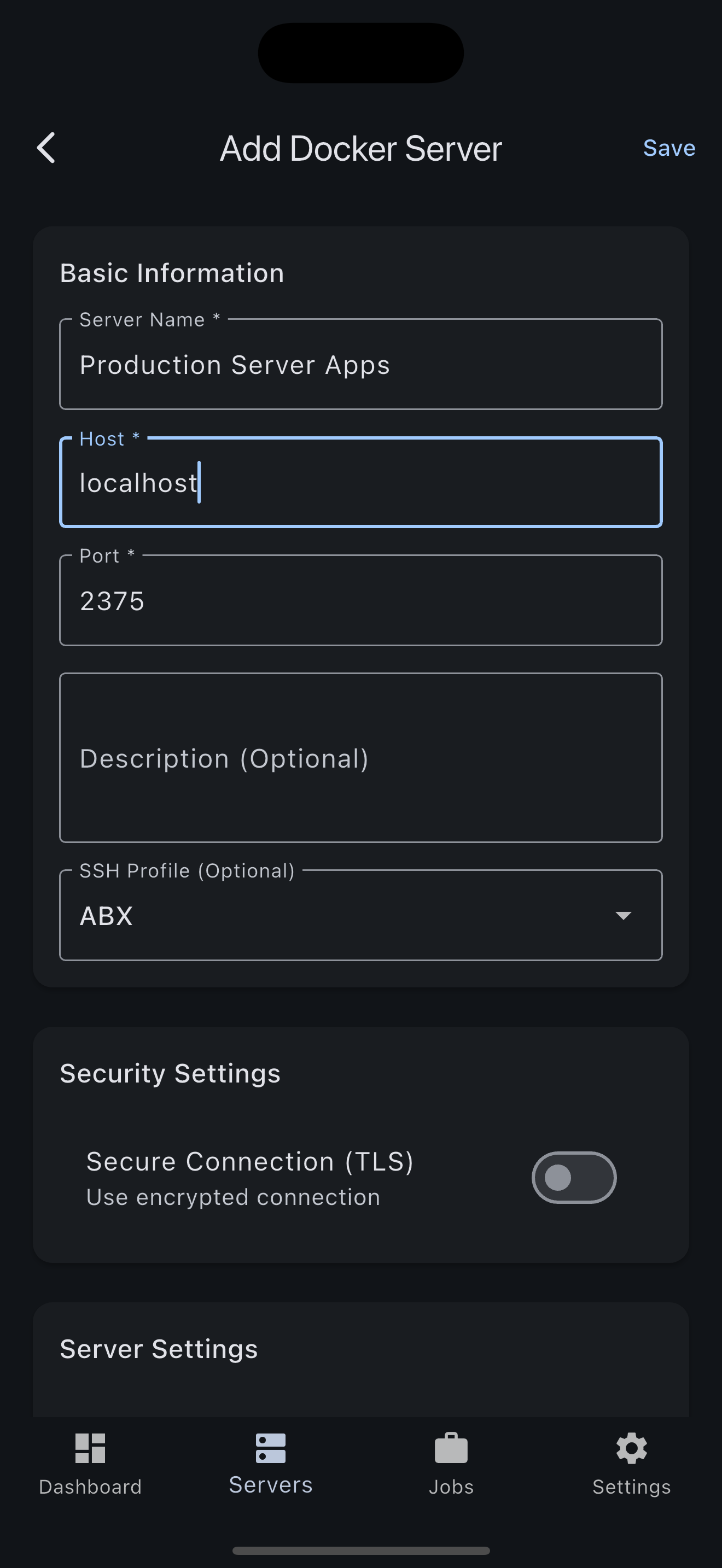
Add the server in Docker Monitor
Open Add Server, enter the host and port, paste the token, then test the connection. For private hosts, keep port 9876 off the public internet and connect through SSH tunneling.
What you can do from mobile
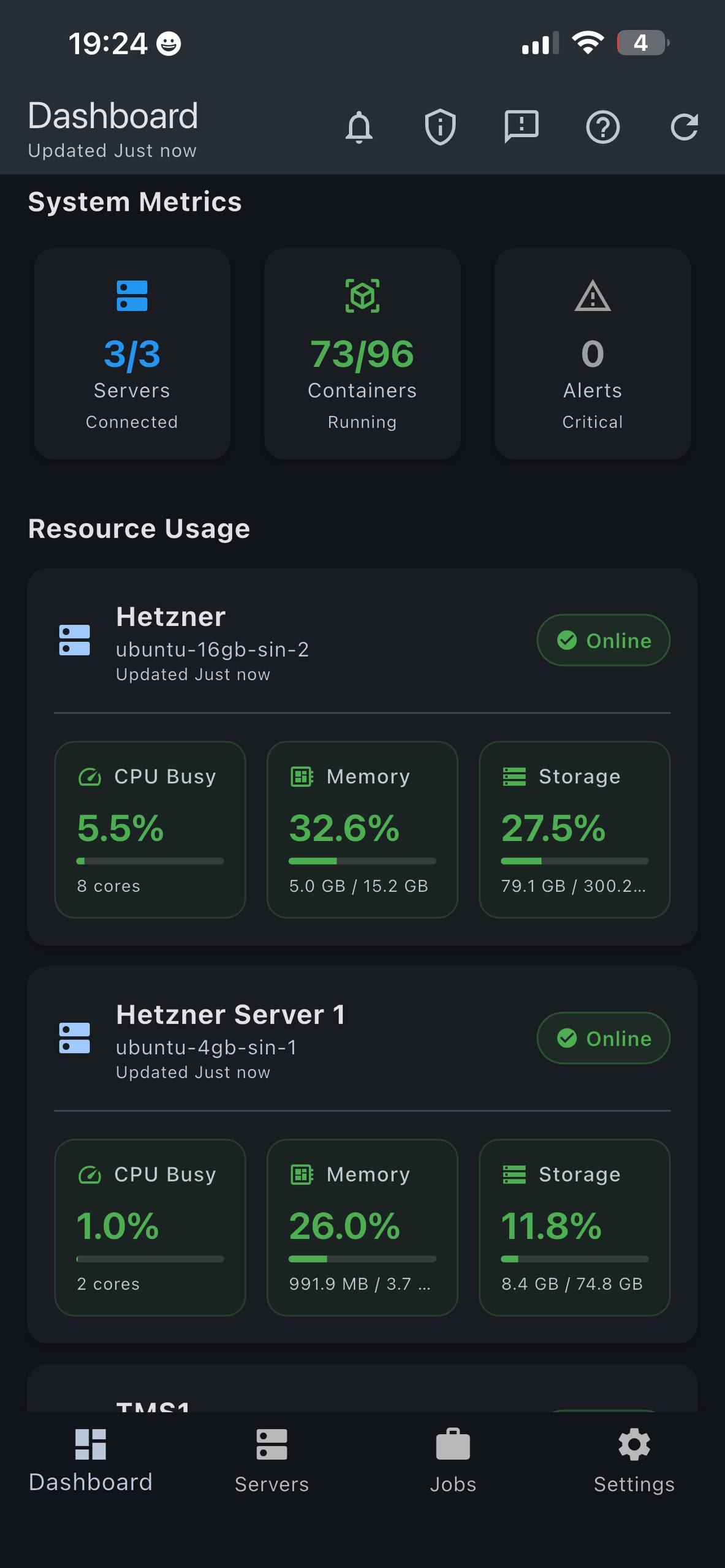
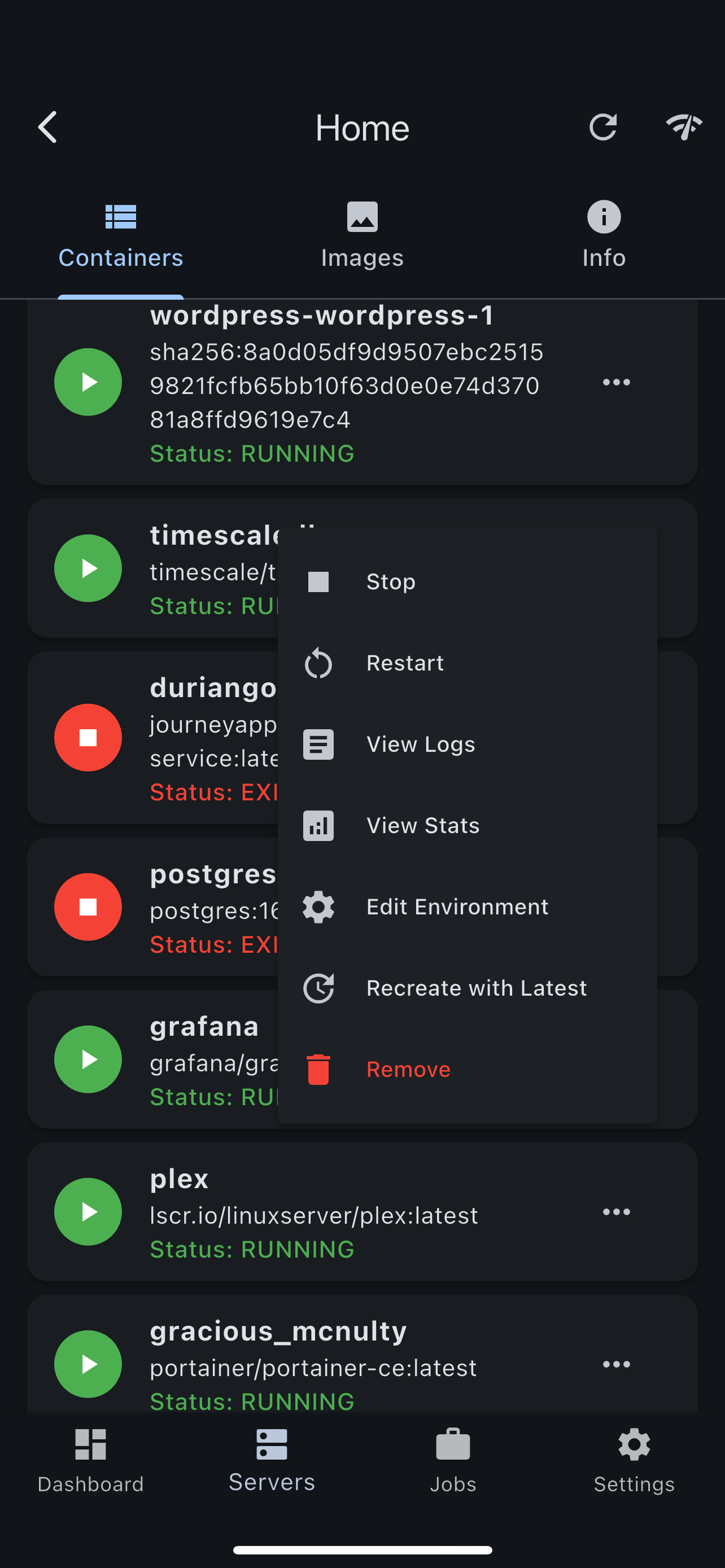
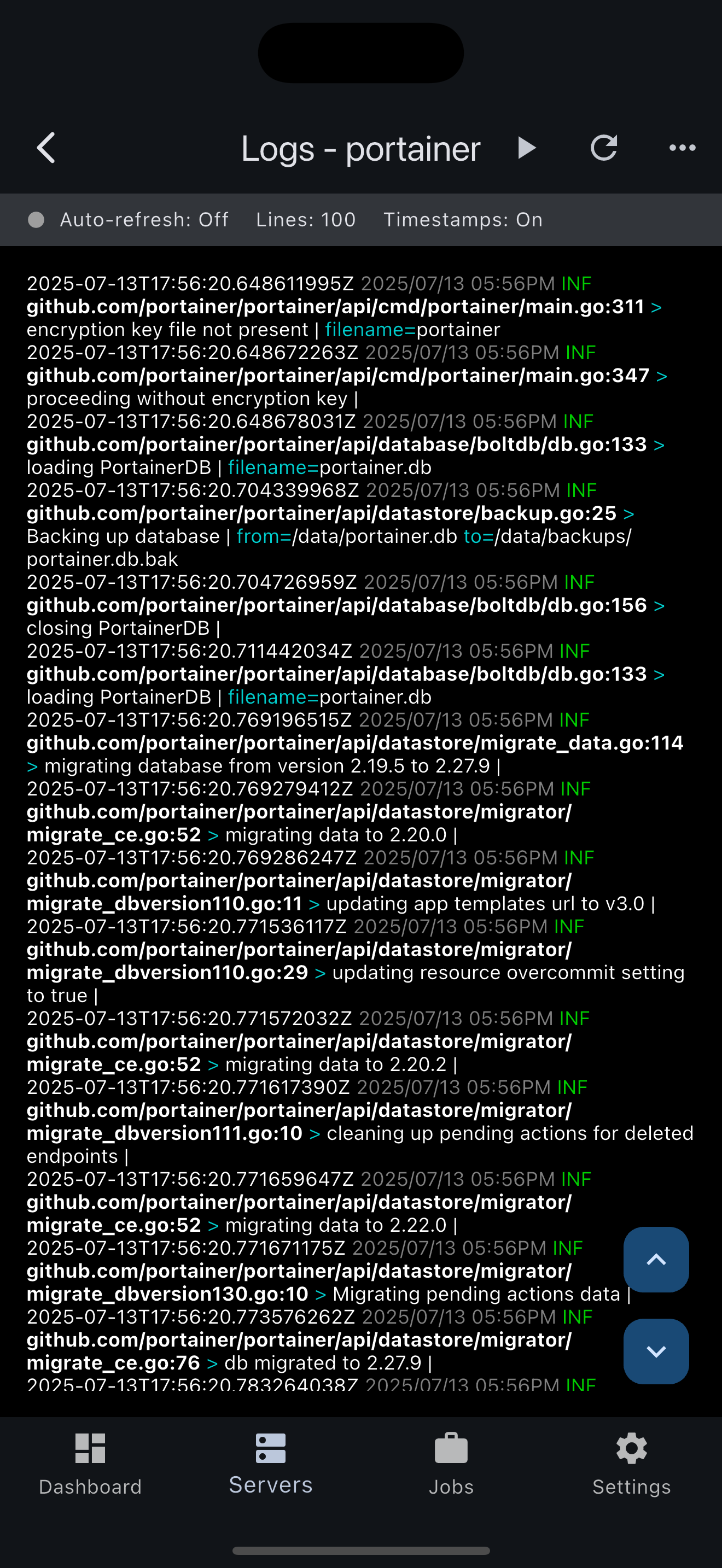
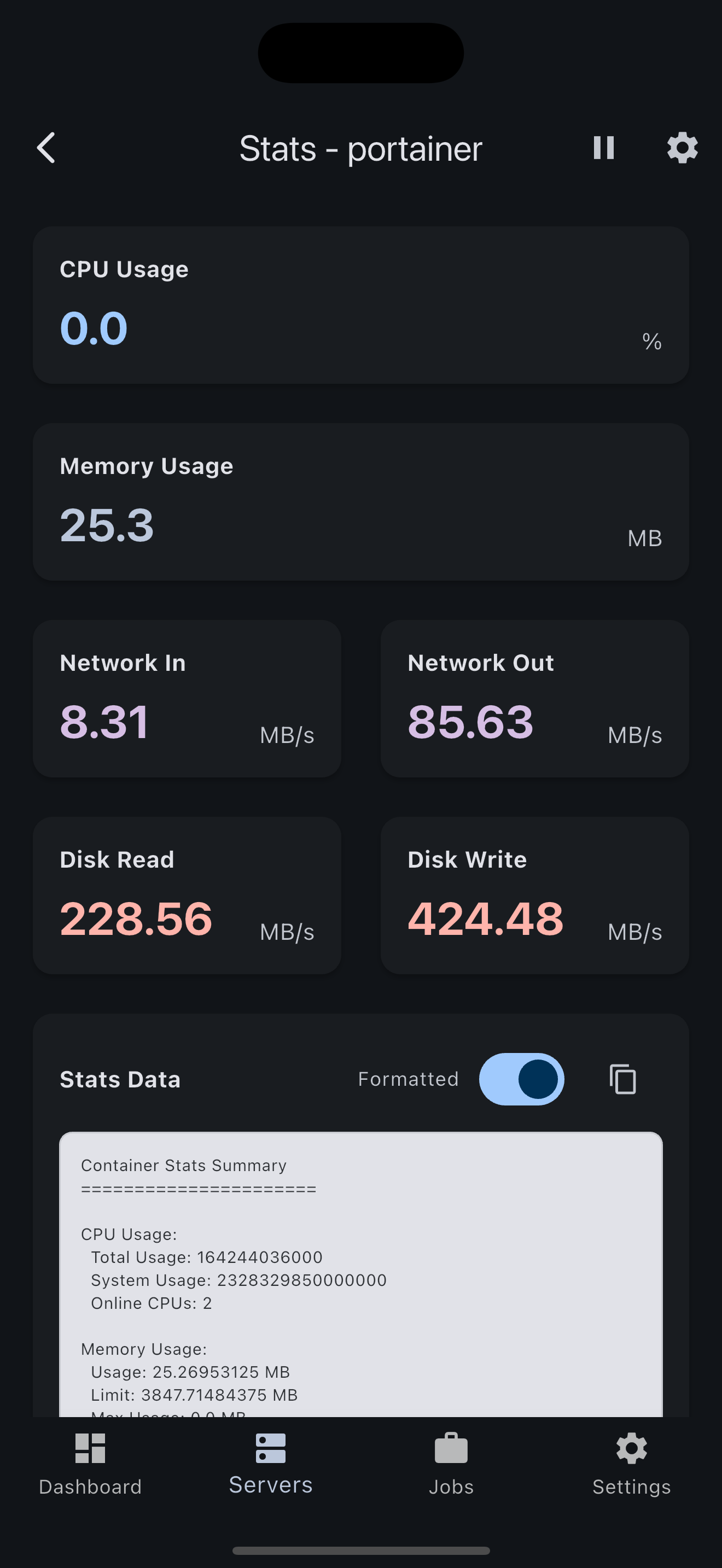
Docker Monitor is meant for fast first response: server health, container lists, live logs, runtime stats, image inventory, and common container actions such as start, stop, restart, and remove.
Security model
The agent sits near the Docker socket, so treat access to it like infrastructure access. The Docker socket is powerful even when mounted read-only at the filesystem layer.
- Only
/agent/healthis unauthenticated. - Docker and stats endpoints require
Authorization: Bearer <AGENT_AUTH_TOKEN>. - The recommended deployment runs as
65532:65532and adds the Docker socket group explicitly. - The container filesystem is read-only with a temporary
/tmp. - The agent does not call Docker Monitor servers and does not send telemetry.
- For private hosts, use SSH tunneling instead of publishing port
9876.
Why use an agent instead of Docker TCP?
Enabling the Docker daemon API over TCP is a broad security decision. A small local agent gives the mobile app a narrower boundary: app-level auth, only the endpoints the app needs, normal container deployment, and no daemon-level Docker configuration change.
Try it on one host
The first server is free, so the easiest test is to deploy the agent on one non-critical host and see whether the mobile workflow saves time during the next small incident.