Docker Monitor Features
Docker Monitor is built around the Docker Monitor Agent container deployment model.
Fastest Path To Production
TOKEN="$(openssl rand -hex 32)"
SOCK_GID="$(stat -c '%g' /var/run/docker.sock)"
IMAGE="appleberryd/dockermonitor-agent:0.1.2"

docker run -d \
  --name docker-monitor-agent \
  --restart unless-stopped \
  -p 9876:9876 \
  -e AGENT_AUTH_TOKEN="$TOKEN" \
  -v /var/run/docker.sock:/var/run/docker.sock:ro \
  -v /:/host:ro \
  --user 65532:65532 \
  --group-add "$SOCK_GID" \
  --security-opt no-new-privileges:true \
  --read-only --tmpfs /tmp \
  "$IMAGE"
After deployment, add the server in app with host/port and paste `AGENT_AUTH_TOKEN`.
Core Capabilities
Deploy a lightweight container on each host with a repeatable setup pattern.
- ✓One container per host
- ✓Consistent deployment shape
- ✓Works on local or remote servers
Protect server access with `AGENT_AUTH_TOKEN` and per-server bearer auth in the mobile app.
- ✓401 on unauthorized requests
- ✓Token stored per server in app
- ✓Simple token rotation workflow
Get host and Docker runtime metrics from `/agent/stats` optimized for mobile dashboards.
- ✓CPU, memory, disk, host data
- ✓Docker container and image counts
- ✓Fast polling for background cards
Run operational actions from mobile during incidents without waiting for desktop access.
- ✓Start / stop / restart / remove
- ✓Inspect container details
- ✓Create and pull images
Inspect logs and runtime stats in real time while triaging failures.
- ✓Live logs with filtering
- ✓Container resource usage
- ✓Per-server health checks
If your host is private, reach the agent through the app's SSH tunnel support.
- ✓SSH profiles in-app
- ✓Forward local port to agent
- ✓Use the same bearer token
Operational Control During Incidents
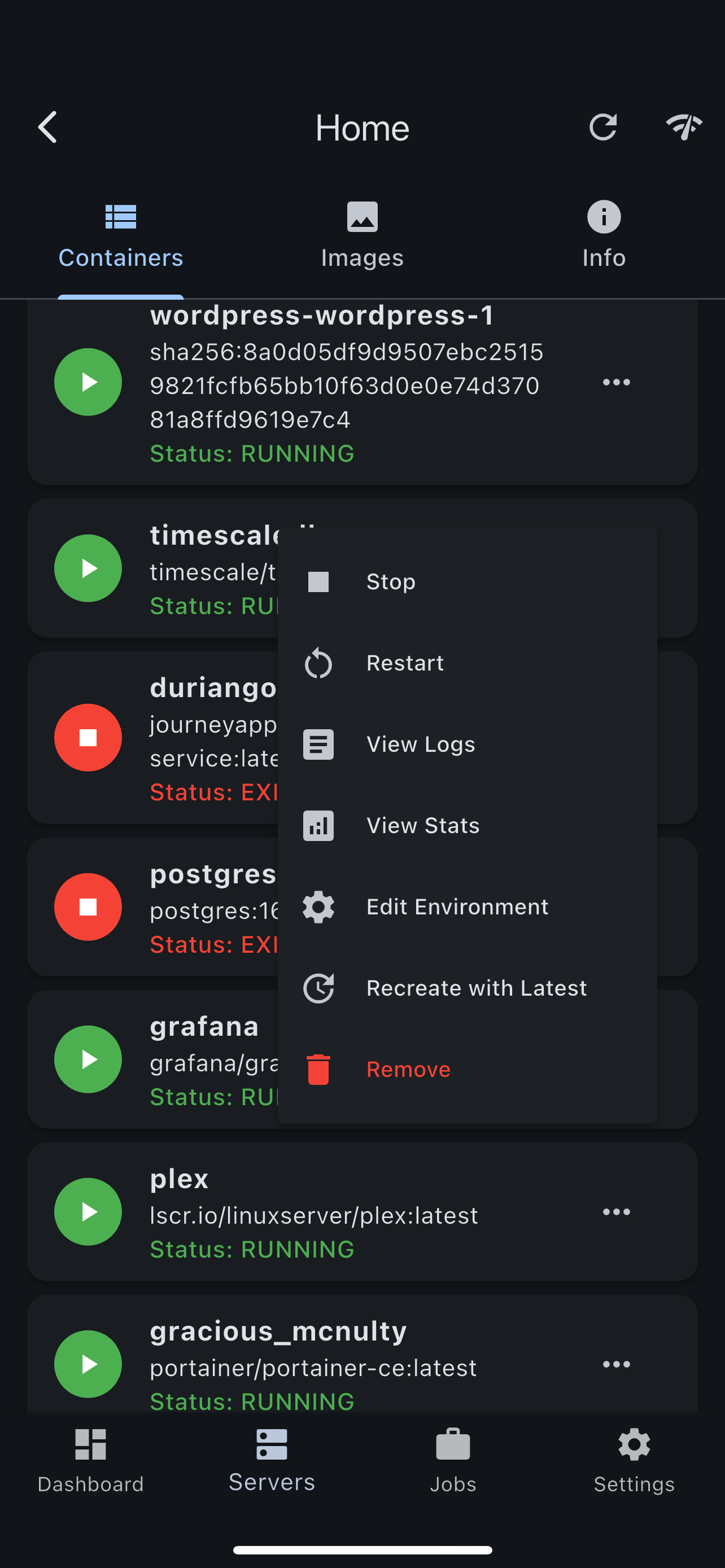
From your phone, inspect container state, view logs, and trigger corrective actions in seconds. The agent keeps endpoint behavior stable for the app.
- •One-tap restart and stop actions
- •Container detail and runtime metadata
- •Live logs for rapid diagnosis
Host + Docker Metrics In One Place
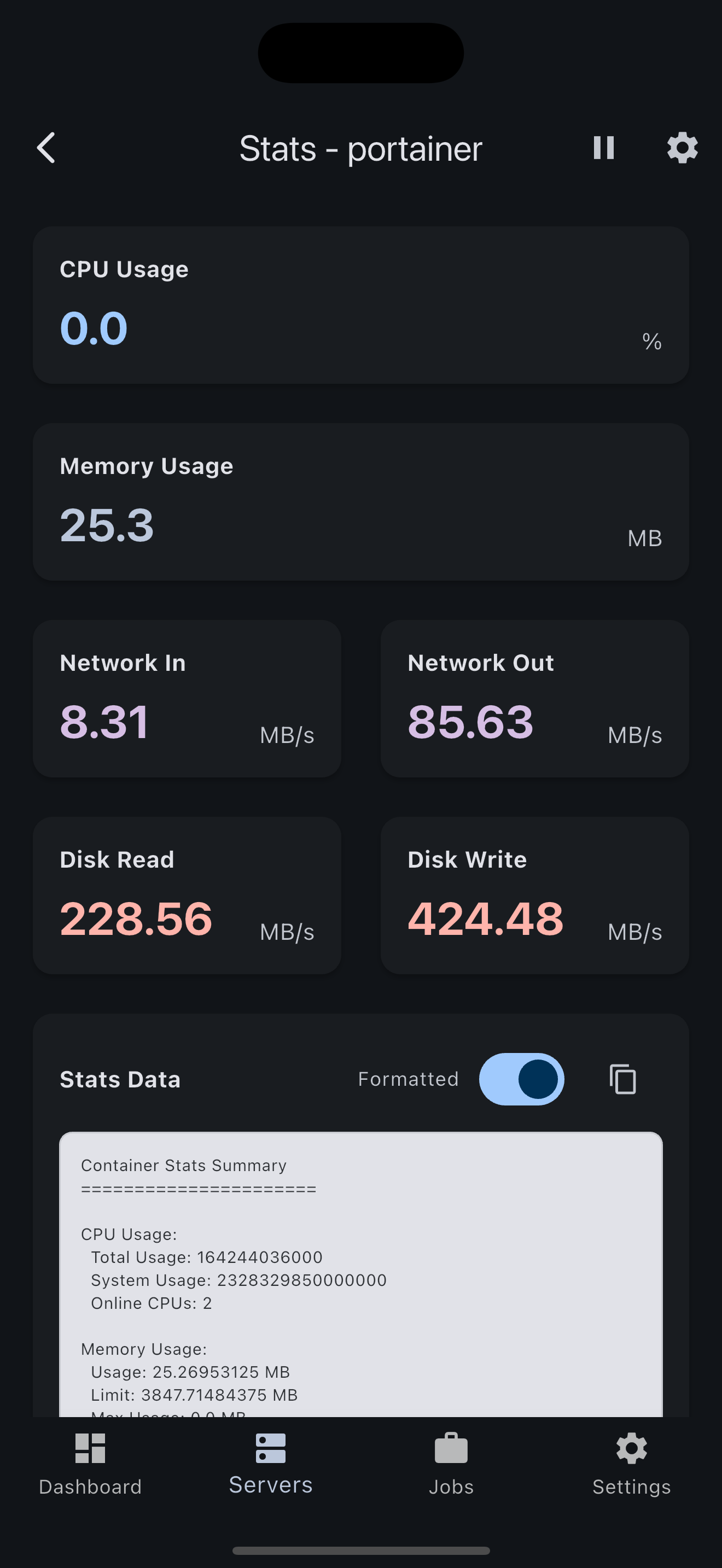
`/agent/stats` gives a consolidated payload for CPU, memory, disk, Docker counts, and host identity that powers responsive mobile dashboards.
- •Fast mobile polling loop
- •Server health visibility on dashboard
- •Designed for on-call checks
Complete Mobile Interface
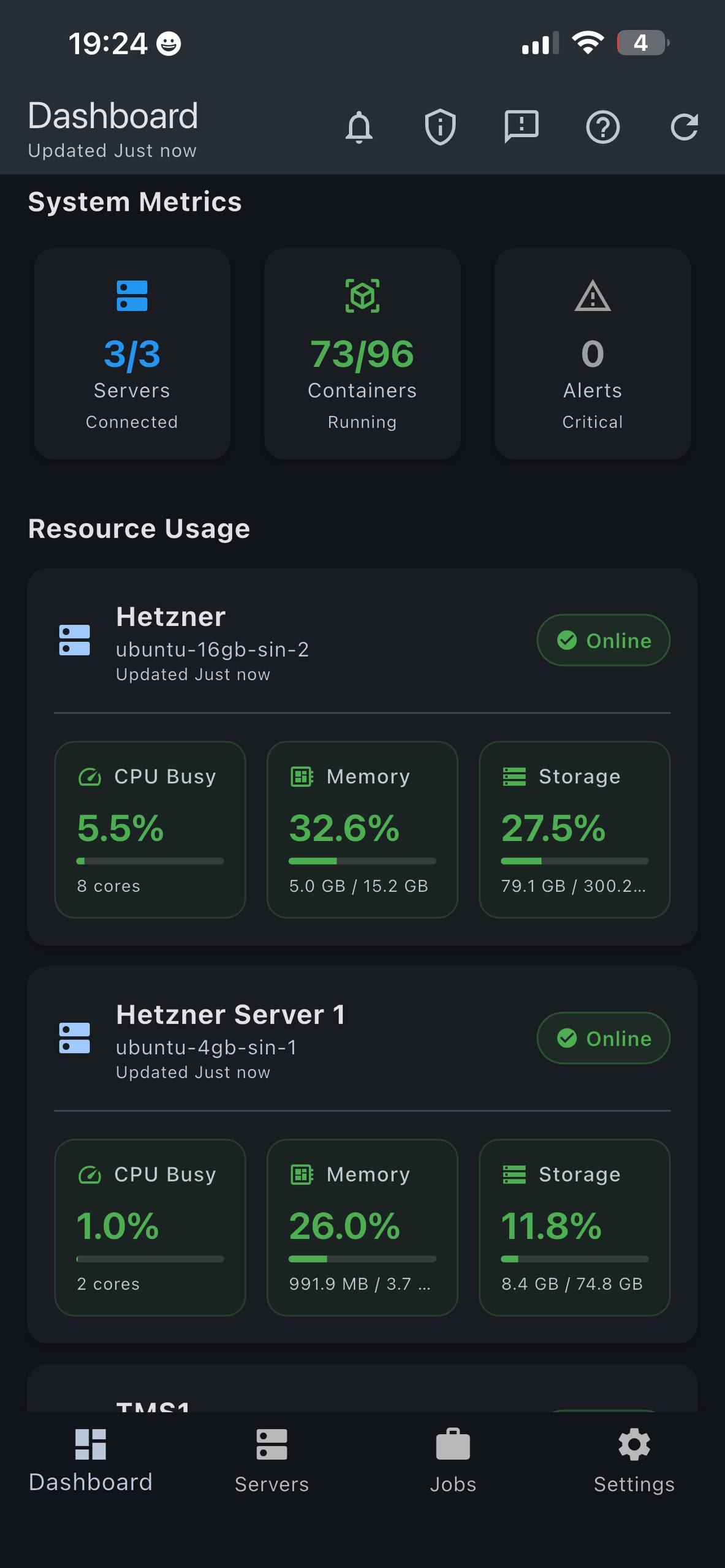
Dashboard
Server + workload overview
Containers
Control and inspect runtime
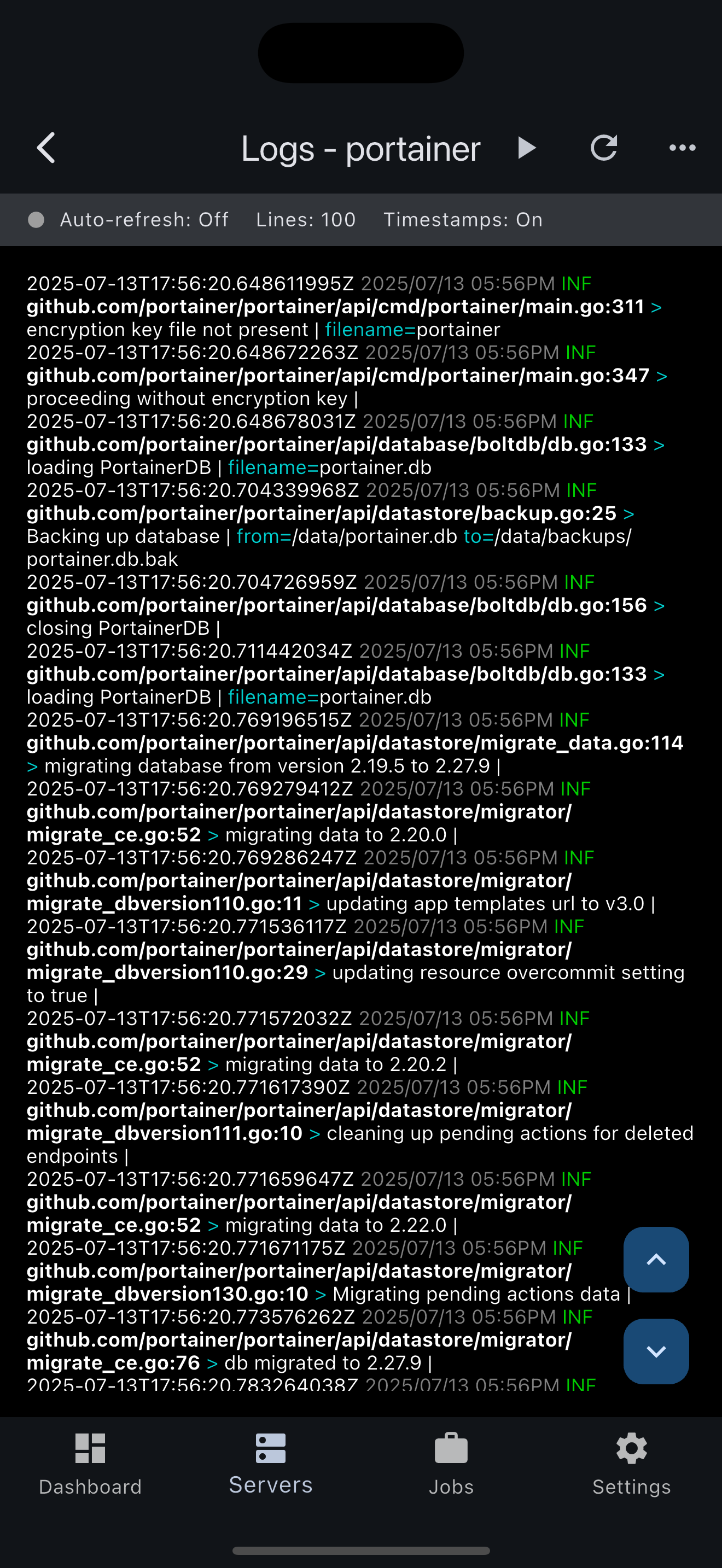
Logs
Tail logs from incidents
Stats
Resource tracking
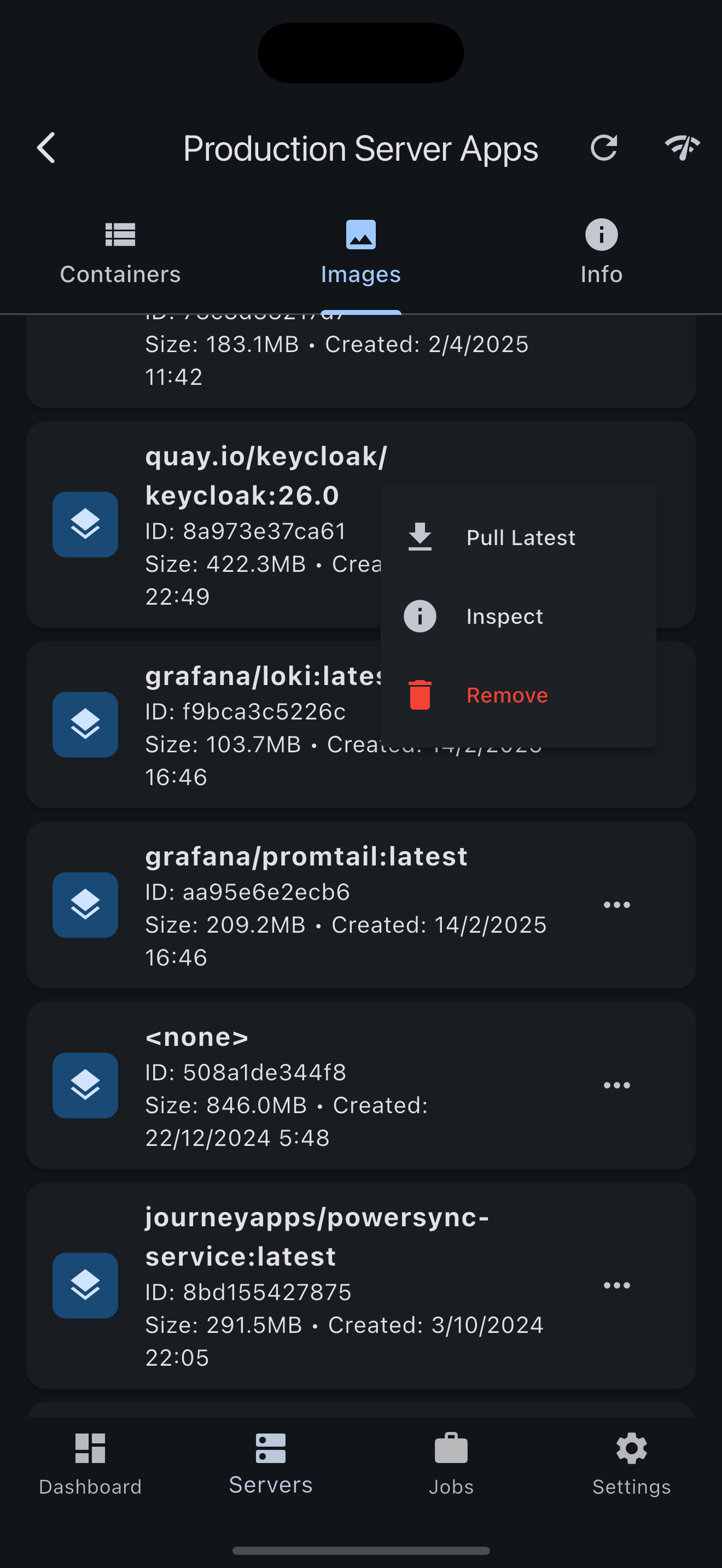
Images
Image inventory and pull
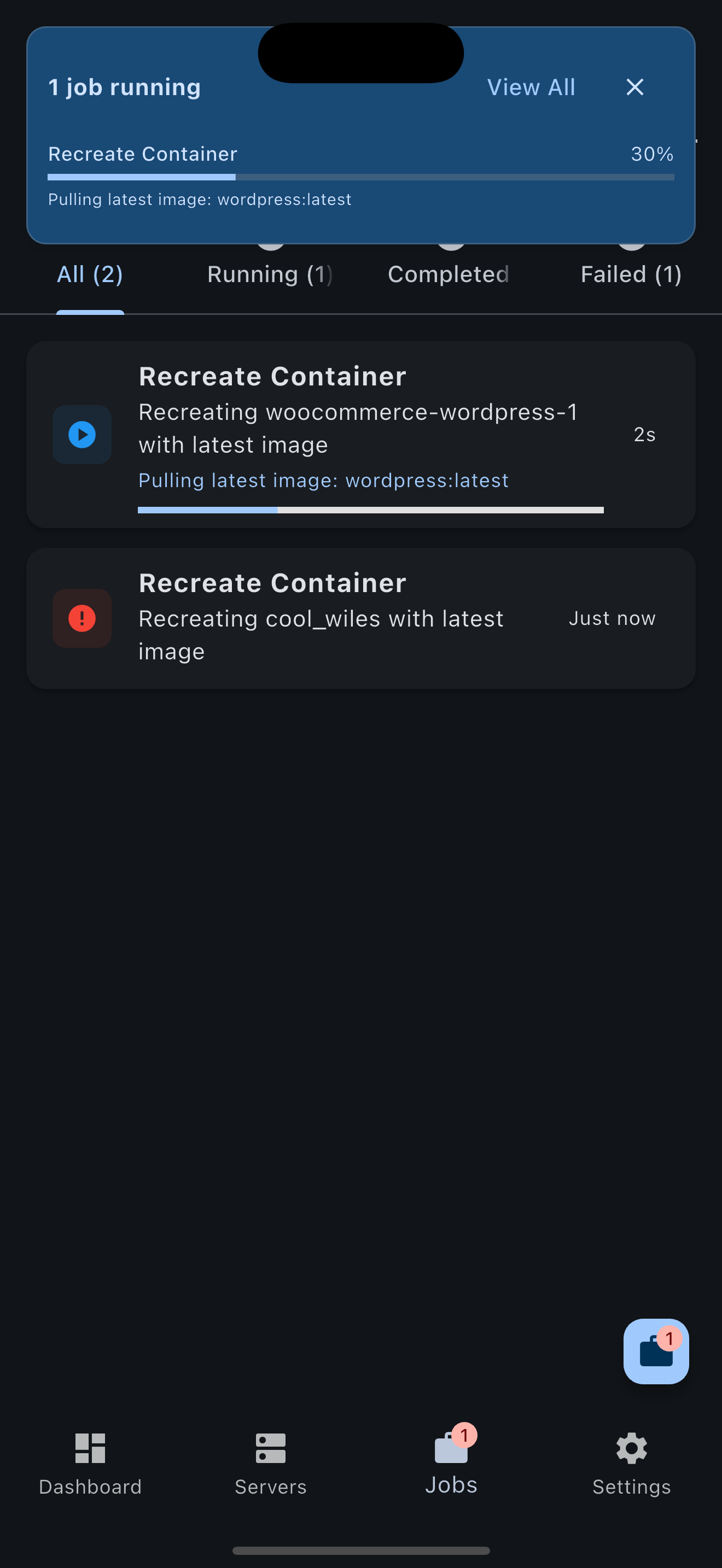
Jobs
Operation history
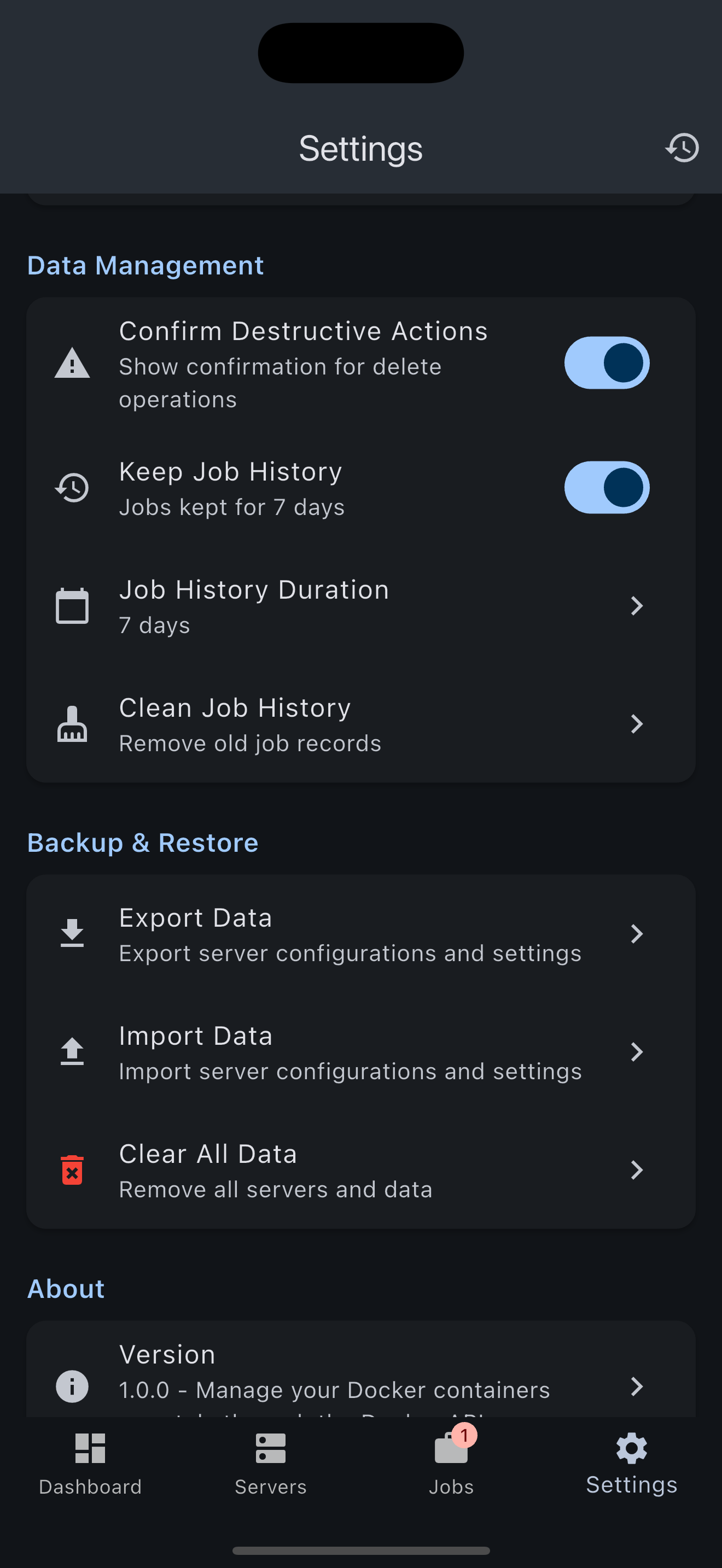
Settings
Connection + runtime tuning
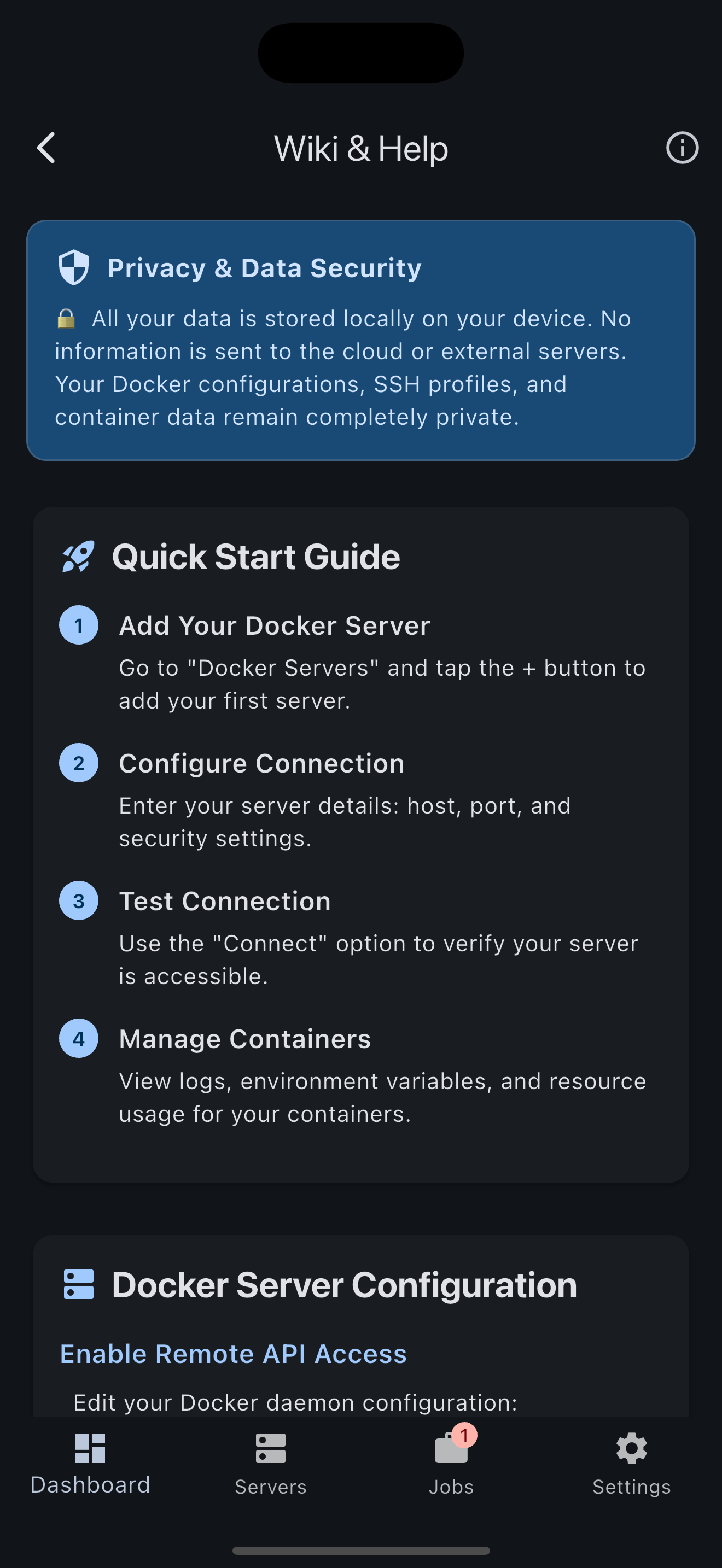
Wiki
In-app setup references
Start Using Docker Monitor Today
Deploy the agent on your hosts and use Docker Monitor for on-call visibility and control.